
My Bird Album
Tapping a thumbnail in the gallery opens the page for the thumbnail. It shows the photograph and information associated with it.
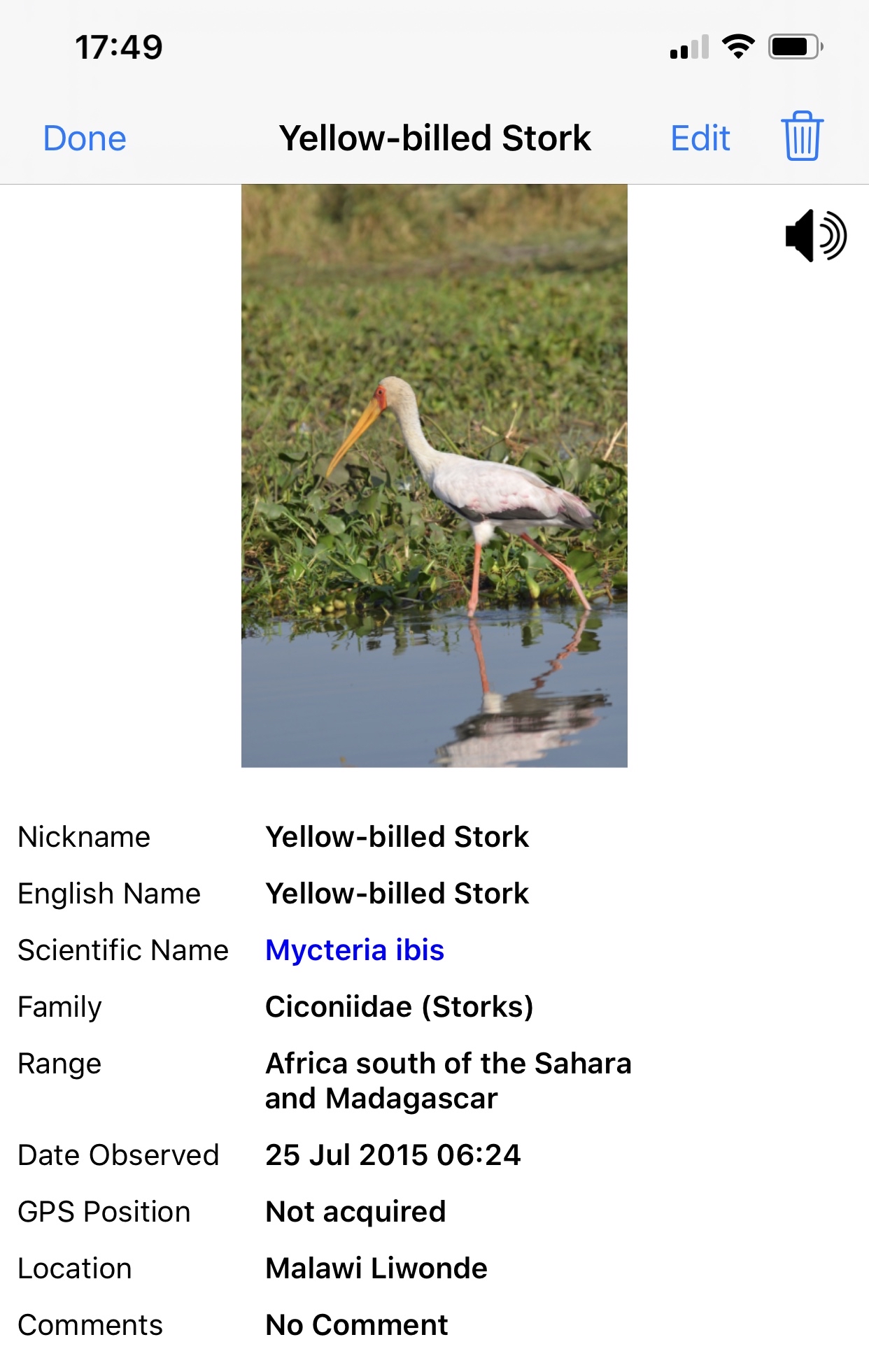
Swipe left or right on this page to display the next or previous entry in the gallery.
A loudspeaker icon will be shown at the top right of the photograph if there is an audio note - tap on the icon to listen.
Tap on the photograph to open the full screen image.
Tap Edit to open the Edit Sighting form. This opens a form which is essentially the same as the New Sighting form but is populated with the information for the sighting.
Tap the trash can to delete the entry.
Note the Scientific Name is shown in blue, indicating a link to the Research page which enables you to find images from the Internet and compare them with your image.
When there is too much information about the bird to fit on the screen the information below the photograph can be dragged up and down.