Using gender symbols
It can be useful to use gender symbols in your sightings but it is not entirely obvious how to do this.
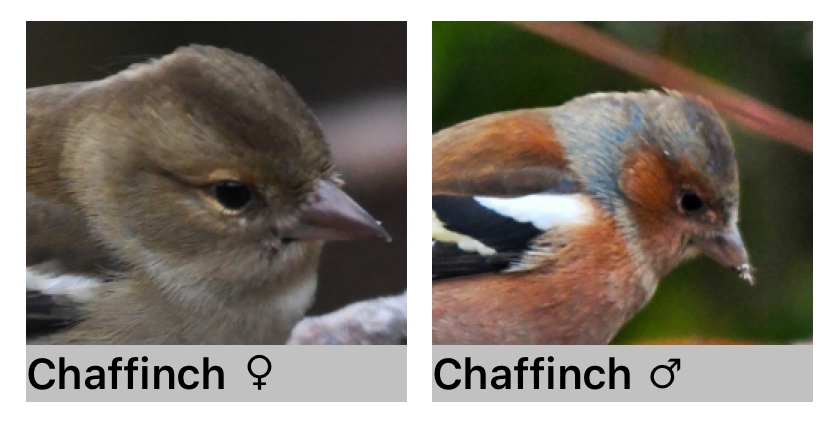
One way to include the characters for male ♂ and female ♀ is to use Keyboard Text Replacement. This feature is found in Settings:
-
Settings > General > Keyboard > Text Replacement >
-
Tap + to add a new shortcut
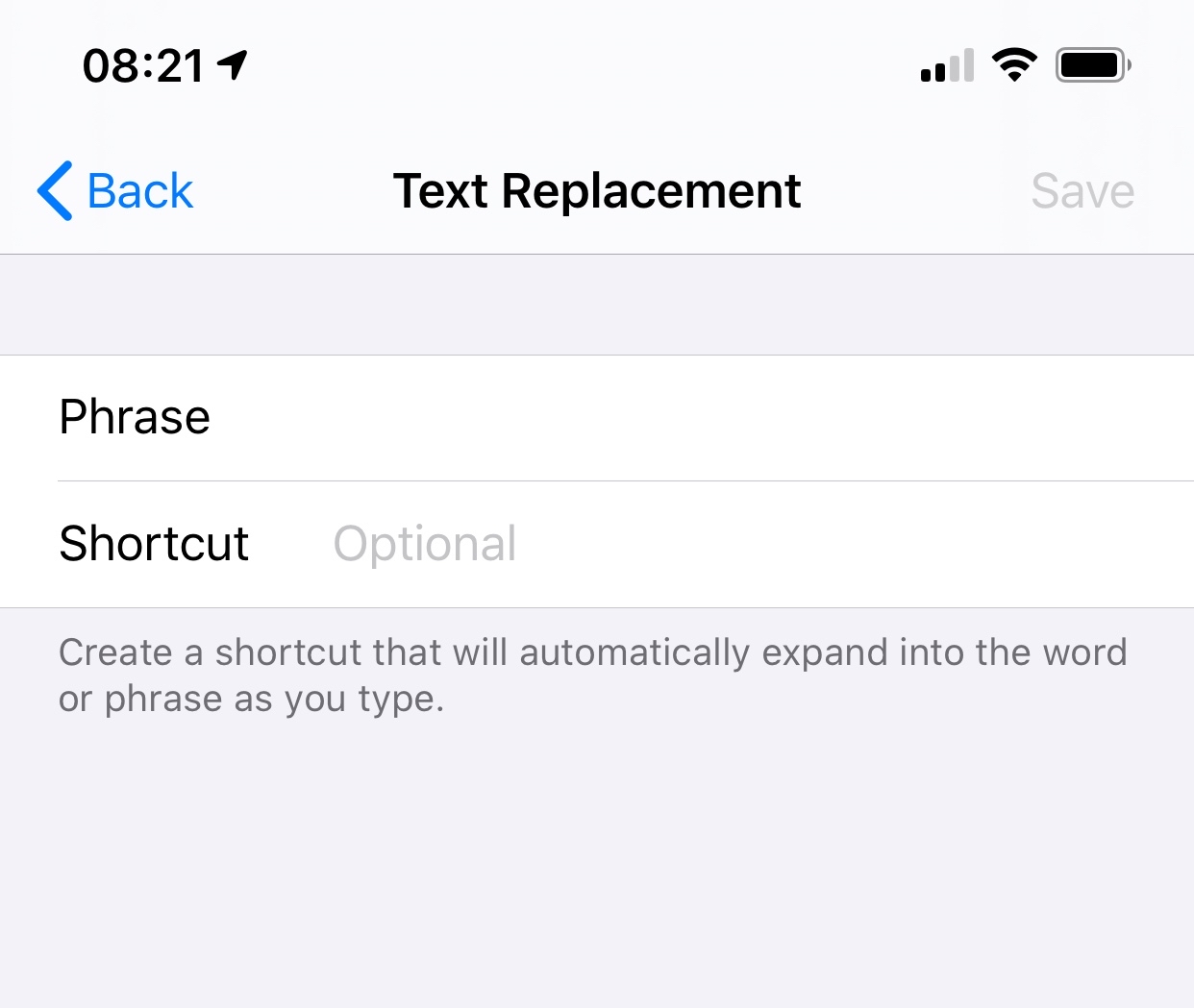
-
Copy the male or female symbol from this web page and paste it into the Phrase field. (Repeated here for your convenience ♂ ♀)
-
In the Shortcut field enter something that you will type to represent the gender character, for example fff for female.
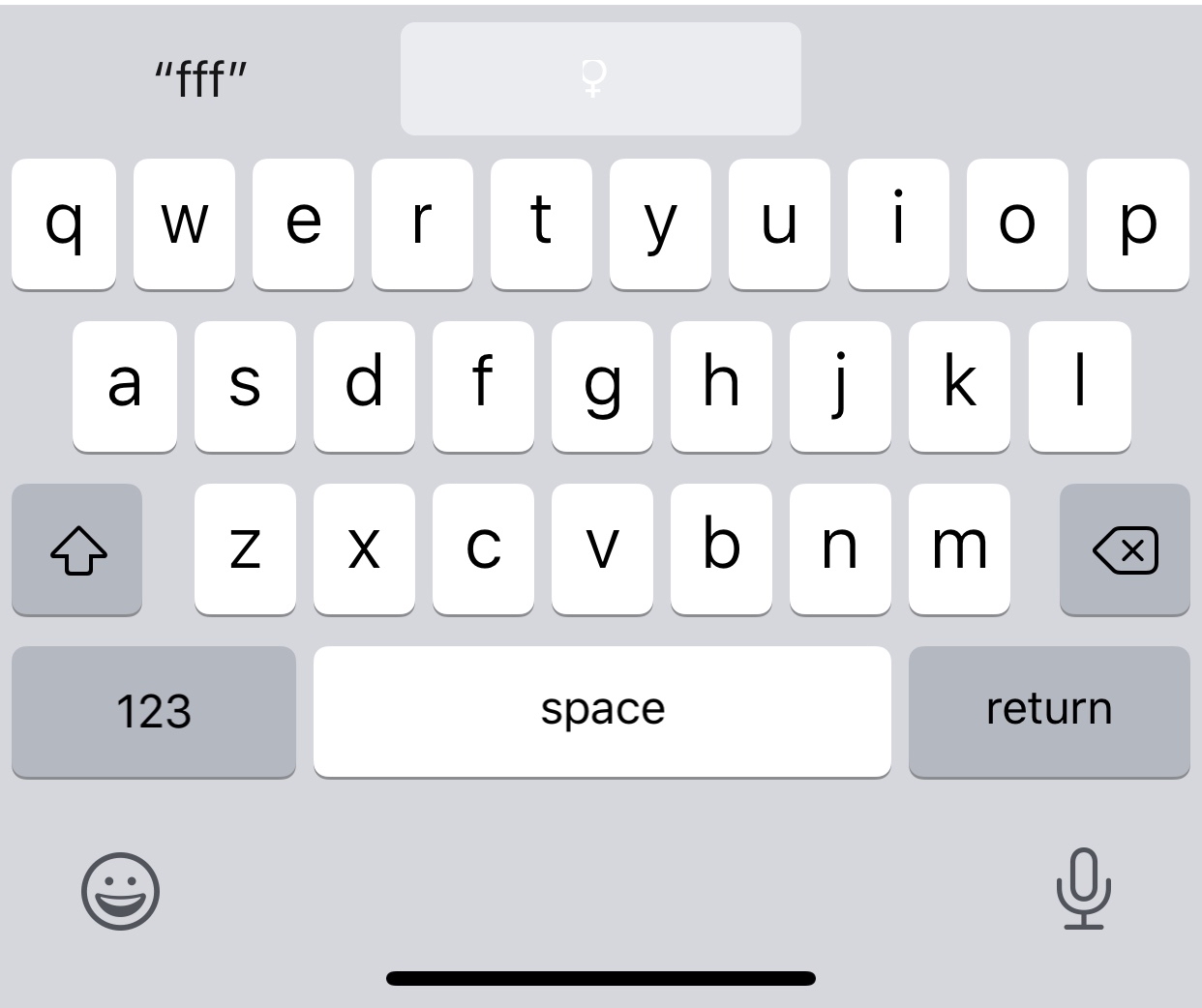
-
Now - whenever you type this phrase your device will suggest the relevant gender symbol as a replacement text.
